Leave the phone at home: saving an area to your watch
Save your home area, or anywhere you are going, to your Huawei watch. The map is then complete there with no phone and no signal.
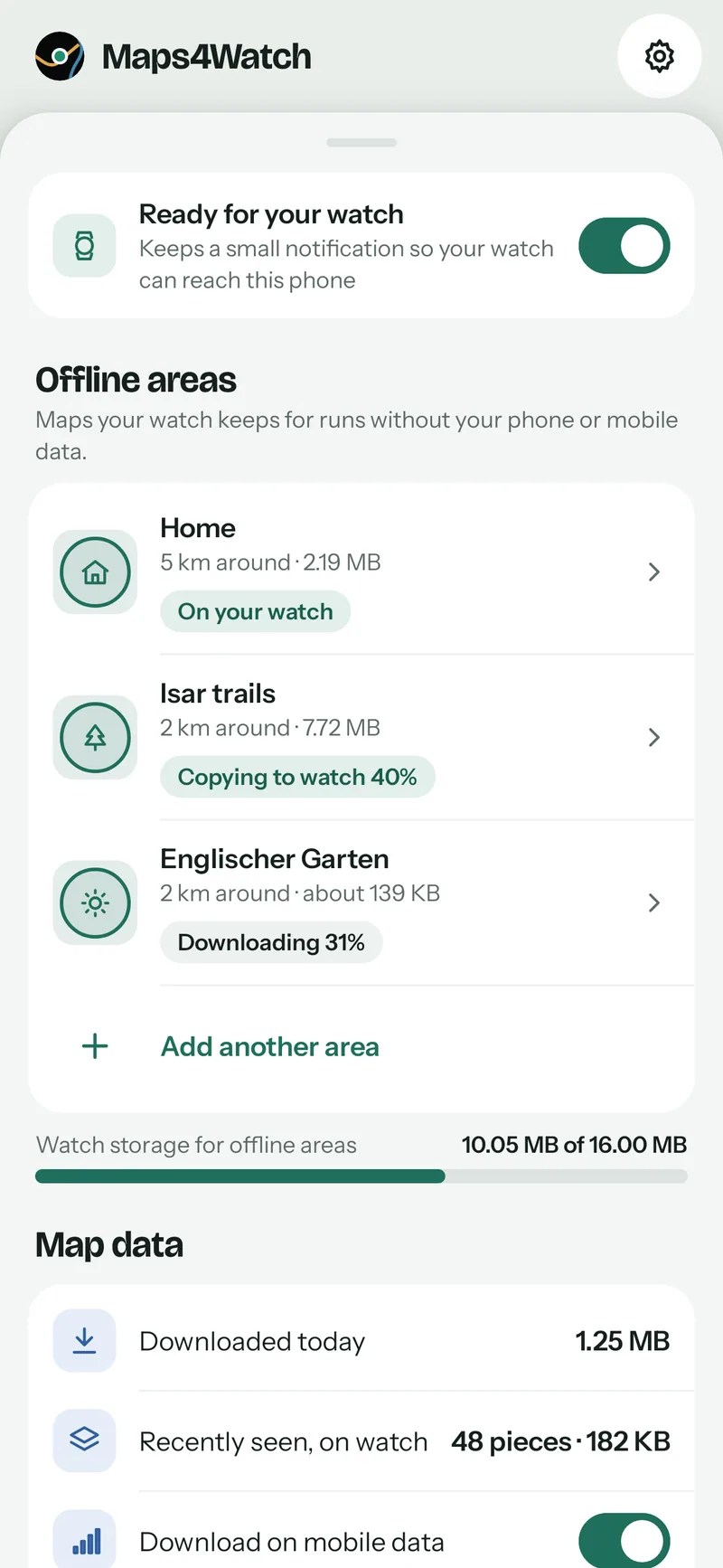
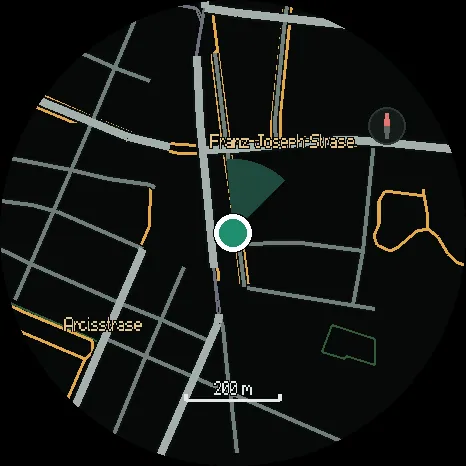
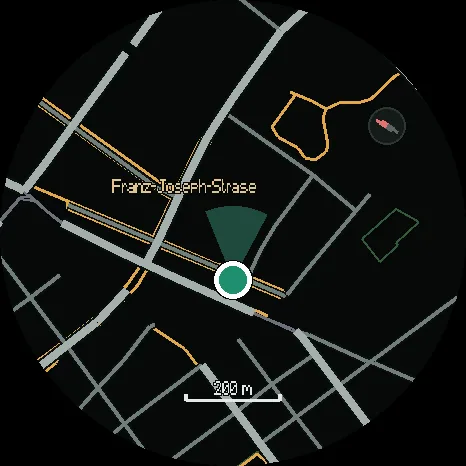
Maps4Watch normally works live: while the watch app is open, the phone downloads the map around you and passes it to the watch. That needs the phone nearby and a signal. For the run where you leave the phone at home, or the valley with no signal, save the area to the watch first.
Saving an area
On the phone, open Offline areas and tap Save my home area, or Add another area for anywhere else.
- Drag the map to the middle of the area, or search for a place.
- Pick how far it reaches: 2, 5, 10, 15 or 25 km across.
- Name it: Home, Work, Holiday, Trails or a name of your own.
The phone shows how big the area is and how much of the watch’s storage is left before you save it. When it does not fit, it says so and offers the two fixes: a smaller area, or deleting another one.
Downloading and copying
On Wi-Fi the phone downloads the area at once. On mobile data it waits for Wi-Fi unless you tell it otherwise. Then it copies the area to the watch the next time you open Maps4Watch on the watch with the phone nearby. You can use the map while it copies; a ring round the edge of the screen shows the progress.
If the copy stops part way, because you closed the app or walked out of range, it carries on where it left off next time. Nothing is sent twice.
Without the phone
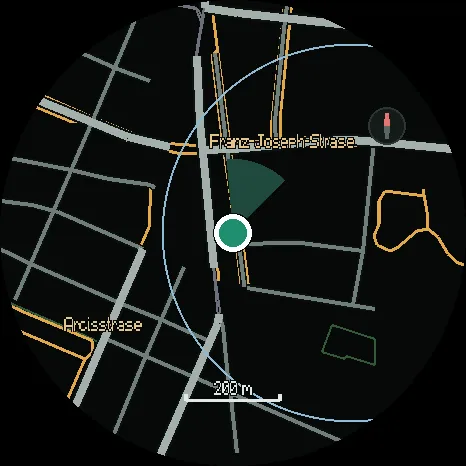
Inside a saved area the map is complete at every zoom level, with no phone and no signal, and the chip at the top of the watch says which area you are on. The area’s edge is drawn as a thin line, and beyond it the map is dark rather than empty, so you always know where the saved map ends.
Places you have already been with the phone stay on the watch too, so a loop you walked last week is usually there even if you never saved it.
When the map is updated
The map is rebuilt from OpenStreetMap every month. Saved areas download again on Wi-Fi and copy in your next session, one piece at a time, so the area is always complete on the watch: each piece is either the old one or the new one, never missing.
Coming soonto Google Play for your phone and Huawei AppGallery for your watch